
Mobile Controls Tips
The layout
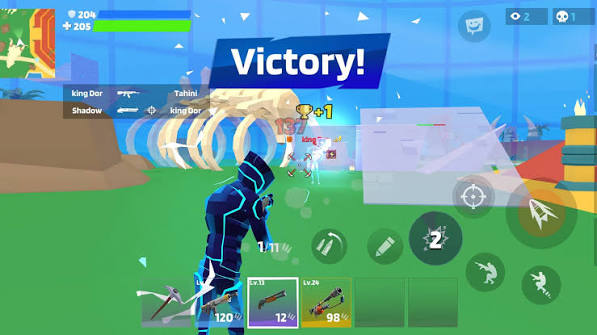
On phones the game switches to full touch controls automatically: a joystick on the left, look-around by dragging the right side of the screen, two FIRE buttons, plus AIM, JUMP, CROUCH, RELOAD and the three build buttons.
Two-thumb technique
Move with your left thumb, aim with your right, and fire with the left FIRE button so your right thumb never stops tracking the target. This 'claw-free' style is how most mobile pros play.
Push the joystick fully
The joystick is analog — small pushes walk slowly and quietly, full pushes sprint. Use quiet walking when sneaking up on a raider, and full sprint only when crossing open ground.
Play in landscape
Turn your phone sideways and tap the fullscreen button for the best view. Aim assist is strongest on touch screens, so keep the crosshair near enemies and the game helps you finish the job.